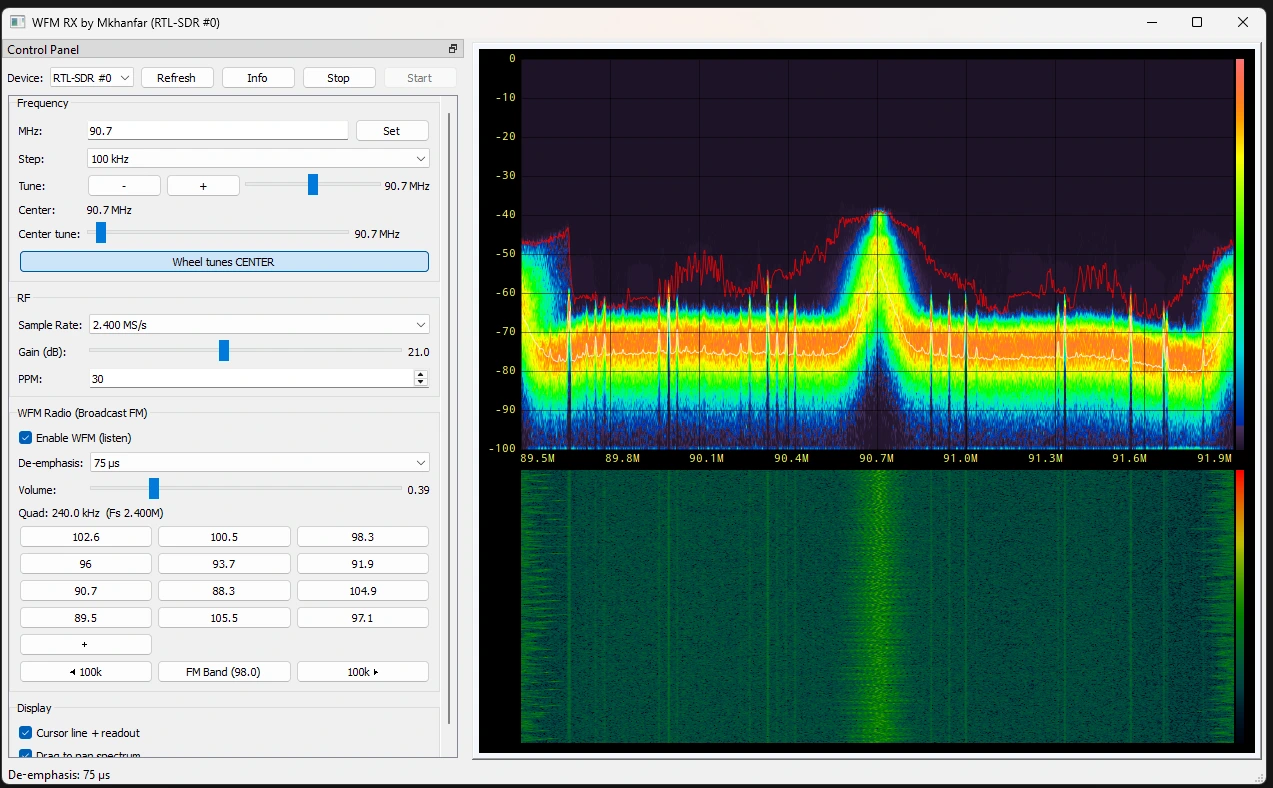
A focused, fast, and easy-to-use FM broadcast listener with Fosphor-based spectrum visualization.
Software Description
This application provides a dedicated wide-FM (broadcast FM) receiver with a responsive control panel and a real-time Fosphor spectrum display.
Designed for quick tuning and smooth listening, it supports popular SDR devices while keeping the interface clean and practical.
Key Features
- Fosphor-powered spectrum visualization with cursor readout
- Wide-FM mono demodulation for broadcast FM
- Quick tuning with click-to-tune and mouse wheel support
- Left control panel with fast access to controls
- Save favorite stations: long-press a preset to edit, or long-press the + button to save the current frequency
- FM preset buttons from 87.5–107.5 MHz with 100 kHz steps
- Supports RTL-SDR, Airspy, and HackRF devices
How to Use
1. Connect Your SDR Dongle
Connect your RTL-SDR, Airspy, or HackRF device before launching the application.
2. Launch the EXE
Run the executable from the extracted folder. The app will load the spectrum view and controls.
3. Tune and Listen
Click the spectrum to tune, use the mouse wheel for fine steps, or use the preset buttons for quick station jumps.
4. Save Favorites
Long-press any preset button to edit it, or long-press the + button to save the current frequency.
Keyboard Shortcuts
The following keyboard shortcuts are available for controlling the GPU-accelerated spectrum visualizer:
- z: Toggle zoom mode.
- a / d: Move zoom frequency down/up.
- s / w: Adjust zoom width (span).
- q / e: Adjust screen split between waterfall and FFT/histogram.
- Space: Pause/resume the display.
- Left / Right Arrow Keys: Adjust dB/div (Scale).
- Up / Down Arrow Keys: Adjust reference level (Offset).
Download
Preview
Support Our Development
If you find our software useful and want to support our continued development, please consider making a donation. Your support helps us maintain and improve these tools for the entire RF community.
Please Donate
Help with the considerable costs:
• Hardware lots and lots of it
• Software
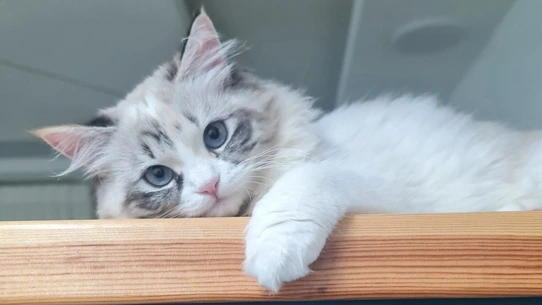
• And then there's the pet food! There's a new Kitty here, her name is Lulu and she likes food and balls!
Crypto Donation Address
Send your support to:
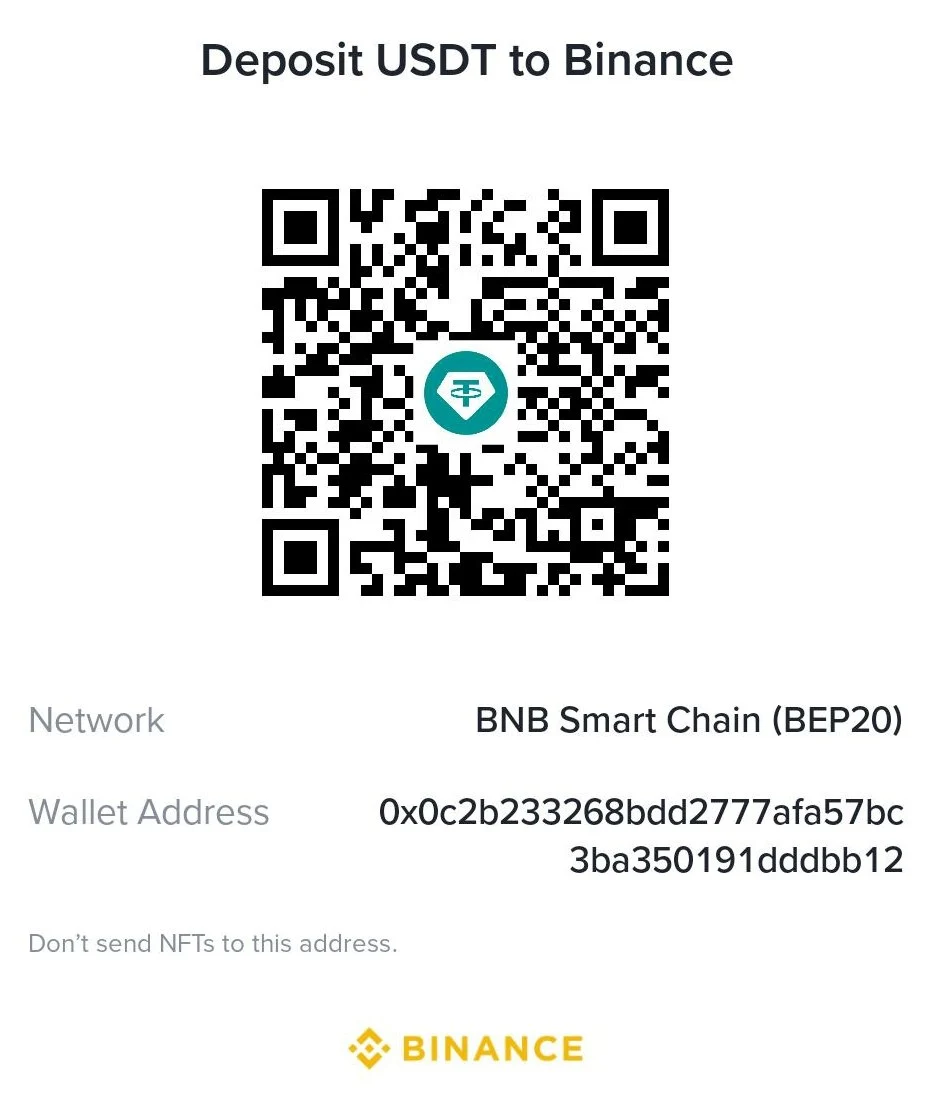
0x0c2b233268bdd2777afa57bc3ba350191dddbb12
Every contribution, no matter how small, helps us continue developing professional tools for the RF community.